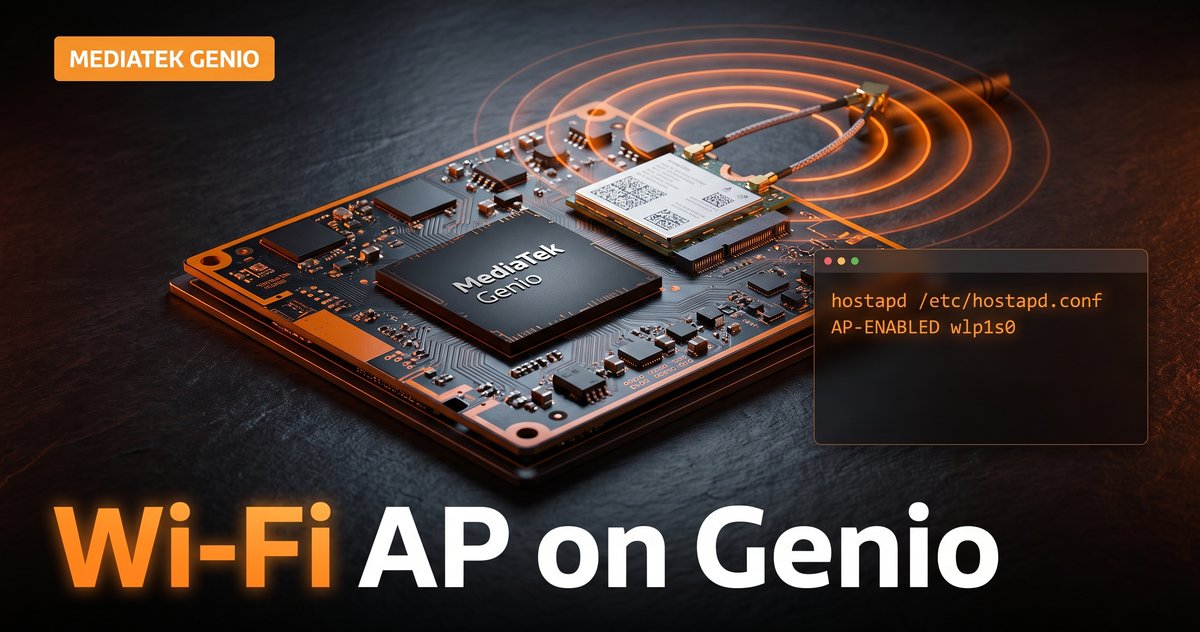
Wi-Fi on MediaTek Genio: MT7921 setup and AP mode
Every camera device, gateway, and industrial box eventually needs Wi-Fi for one of two jobs: joining a network as a client, or being the network during provisioning and field service. On MediaTek Genio both jobs run through the same part, the MT7921, and through completely standard Linux tooling. This guide covers what the hardware is, how the driver and firmware stack fits together on Yocto, a working AP mode setup with hostapd, and the gotchas that surface between the EVK and production.
Key Insights
- Genio 510 and newer EVKs carry the MT7921 (Wi-Fi 6 + BT 5.3) as an M.2 module in PCIe or SDIO variants; a Genio 720 EVK shows it as
mt7921eon PCIe. The Genio 350 uses the older MT7663 over SDIO. - The driver is mainline mt76; firmware arrives via the
mtk-wireless-firmwareYocto recipe. AP mode is a userspace addition:hostapdplusiw, no kernel work. iw listis the source of truth for AP support and station/AP concurrency, and regulatory configuration (country code, DFS) is the number one reason 5 GHz APs refuse to start.- The production trap: BSP layers have shipped MT7921 firmware marked as temporary daily builds. Pin a versioned firmware before you ship.
What Wi-Fi hardware is on a Genio board?
On current EVKs, connectivity is an M.2 NGFF module built around the MT7921: Wi-Fi 6 (802.11ax) plus Bluetooth 5.3, connected over PCIe or SDIO depending on the module variant. On a Genio 720 EVK the boot log makes the PCIe variant explicit:
mt7921e 0000:01:00.0: enabling device
mt7921e 0000:01:00.0: ASIC revision: 79610010
mt7921e 0000:01:00.0: HW/SW Version: 0x8a108a10
The interface then comes up under a predictable name (wlp1s0 for the PCIe module). The Genio 350 is the family outlier, pairing with the MT7663 over SDIO rather than the MT7921; if you are targeting the 350, translate the module specifics accordingly, though the userspace in this guide is identical.
The part that keeps this simple: MT7921 is driven by the mainline mt76 driver family (mt7921e for PCIe, mt7921s for SDIO) through mac80211. Nothing about Wi-Fi on Genio is vendor-magic userspace; iw, wpa_supplicant, and hostapd behave exactly as they do on any Linux system.
How do the driver and firmware fit together on Yocto?
Three pieces. The kernel driver (mt76/mt7921*) ships enabled in MediaTek’s BSP kernels. The runtime firmware the driver loads comes from the mtk-wireless-firmware recipe in the BSP layer. And your image supplies userspace: for AP work that means
IMAGE_INSTALL:append = " hostapd iw"
One firmware note worth catching before production: MediaTek’s BSP layer has carried MT7921 firmware packages marked in the recipe comments as temporary daily builds. Daily firmware is fine for an EVK on a desk and a poor foundation for a fleet in the field. Before you ship, check which firmware mtk-wireless-firmware actually installs on your build (the HW/SW Version and firmware build date in dmesg confirm what loaded at runtime) and pin a specific, tested version in your own layer.
How do you check what the chip can actually do?
Before designing any Wi-Fi behavior, ask the chip. iw list dumps the capability tree; the two sections that matter for AP designs:
Supported interface modes:
    * managed
    * AP
    ...
valid interface combinations:
    * #{ managed } <= 1, #{ AP } <= 1, ...
Supported interface modes answers “can this be an AP at all” (for MT7921: yes). valid interface combinations answers the question teams usually ask too late: can it be a client and an AP at the same time, and on how many channels. Whatever that block says is the contract; firmware will not honor topologies it does not advertise. If concurrency is not offered, design mode switching instead: AP for provisioning, station for operation, which is the pattern most products want anyway.
What does a working AP setup look like?
A minimal, sane hostapd.conf for bring-up on the 5 GHz band:
interface=wlp1s0
driver=nl80211
ssid=genio-setup
country_code=US
ieee80211d=1
hw_mode=a
channel=36
ieee80211n=1
ieee80211ac=1
ieee80211ax=1
wpa=2
wpa_key_mgmt=WPA-PSK
rsn_pairwise=CCMP
wpa_passphrase=change-this-passphrase
Two deliberate choices in there. country_code is not optional decoration: without a regulatory domain, the kernel restricts transmit permissions and 5 GHz AP startup fails in confusing ways; iw reg get shows the active state. And channel 36 is a non-DFS channel: DFS channels require a radar-detection wait before beaconing, which is not what you want while validating a bring-up. Get it working on 36 to 48 first, revisit channel planning later.
For the network side, give the AP interface an address and DHCP. With systemd-networkd (standard on RITY images), a .network file for wlp1s0 with a static address plus DHCPServer=yes covers provisioning use cases in a few lines; add nftables masquerading only if the device must actually route clients upstream.
Start it in the foreground first (hostapd -d /etc/hostapd.conf) so capability and regulatory errors land in your face instead of a journal, then wrap it in a systemd service once it is boring. One more interaction to design deliberately: if wpa_supplicant manages the same interface for client mode, stop it before hostapd takes over. Two managers on one interface produces exactly the flaky behavior you would expect.
What bites in production?
Regulatory across markets. The country code that made your lab AP work is a per-market decision at scale, and it changes available channels and power. Decide who sets it (image, provisioning, or runtime logic) and test the markets you ship to.
Power save vs latency. mac80211 power saving is great for battery and unhelpful for a provisioning AP or any latency-sensitive link. iw dev wlp1s0 set power_save off is the diagnostic; making it policy belongs in your service files where it is visible and reviewable.
PCIe vs SDIO variants. The same MT7921 name spans different buses with different throughput ceilings and power behavior. If your carrier design switches the module variant from the EVK you validated on, re-run your throughput and suspend/resume tests; the driver differs (mt7921e vs mt7921s) even though userspace does not.
Antenna and certification. The module is certified as a module, but your enclosure and antenna placement are yours. Plan RF validation with the real mechanicals, not the EVK’s desk antennas. Our Genio hardware design gotchas covers the board-level side of this.
Where to start
Enumerate capabilities with iw list, stand up the minimal hostapd config on a non-DFS channel with an explicit country code, and pin your firmware version the same week Wi-Fi starts working rather than the week before shipping. Wi-Fi on Genio is standard Linux; the wins come from doing the standard things deliberately.
Bringing up connectivity on a Genio product, or designing provisioning flows around AP mode? Get MediaTek Genio engineering support.
Sources: MediaTek MT7921 product page, hostapd documentation, and the Linux wireless (mac80211/mt76) documentation.
Relevant Services
MediaTek Genio Expert Support
Building on MediaTek Genio?
BSP bring-up, GStreamer pipelines, NeuroPilot integration, we've shipped it. Get unblocked fast. One call to scope it, fixed bid to deliver it.
Frequently Asked Questions
Which Wi-Fi chip do MediaTek Genio boards use?
Genio 510 and newer EVKs use the MT7921 (Wi-Fi 6 plus Bluetooth 5.3) as an M.2 module, in PCIe or SDIO variants; a Genio 720 EVK enumerates it as mt7921e on the PCIe bus. The older Genio 350 uses the MT7663 over SDIO instead. Both families are driven by the mainline mt76 driver stack, so the userspace tooling (iw, wpa_supplicant, hostapd) is standard Linux.
Does the Genio Wi-Fi module support AP mode?
Yes. The MT7921 supports access point operation through the standard mac80211 stack, and hostapd manages it like any other Linux AP. Before building on it, confirm what your exact module and firmware expose: run iw list and read the Supported interface modes and valid interface combinations sections, which are the authoritative answer for AP support and for whether station and AP can run concurrently.
How do I add hostapd to a Genio Yocto image?
Append the packages to your image: IMAGE_INSTALL:append = " hostapd iw" (add bridge-utils or rely on systemd-networkd for bridging). The kernel side (mac80211, mt76) is already enabled in MediaTek's BSP kernels, and firmware comes in through the mtk-wireless-firmware recipe, so AP mode is a userspace addition rather than a kernel project.
Why does 5 GHz AP mode fail to start on my Genio board?
Almost always regulatory. Without a country code, the regulatory domain restricts which channels can transmit, and many 5 GHz channels are DFS channels that require radar detection before an AP may beacon. Set country_code in hostapd.conf (and ieee80211d=1), pick a non-DFS channel like 36 to 48 for bring-up, and check dmesg and iw reg get to see what the regulatory state actually allows.
Can a Genio board run Wi-Fi client and access point at the same time?
Only if the chip's advertised interface combinations allow it. Run iw list and find the valid interface combinations block: it states exactly which mixes of station and AP interfaces the firmware supports and on how many channels. If concurrent operation is not listed, design for one role at a time, for example AP for provisioning and station for normal operation, switching modes cleanly rather than fighting the firmware.

Written by
Andrés CamposCo-Founder & CTO · ProventusNova
8 years deep in embedded systems, from underwater ROVs to edge AI. Andrés leads every technical delivery personally.
Connect on LinkedInRelated Articles
Getting an LD06 Lidar onto the MediaTek Genio
The LD06 lidar got no device node on our MediaTek Genio: the vendor kernel had no driver for its USB-serial chip. Building the module, and the UART fallback.
MediaTek Genio 420: specs, Yocto BSP, and how it compares to Genio 520 and 720
MediaTek Genio 420 (MT8371LV) is the low-voltage Genio 520 variant. Same EVK, Yocto BSP, ONNX NPU EP. Specs, limitations, and when to choose 420 vs 520 vs 720.
Customizing the boot logo on MediaTek Genio
Replace the boot logo on MediaTek Genio: where it lives (the bootassets partition), the bootassets-part bbappend recipe, and how to build and flash it.
Chromium hardware video acceleration on MediaTek Genio
Run Chromium on MediaTek Genio with hardware video decode: which Yocto image ships it, how to verify decode is on the VPU, kiosk mode setup, and WebRTC limits.