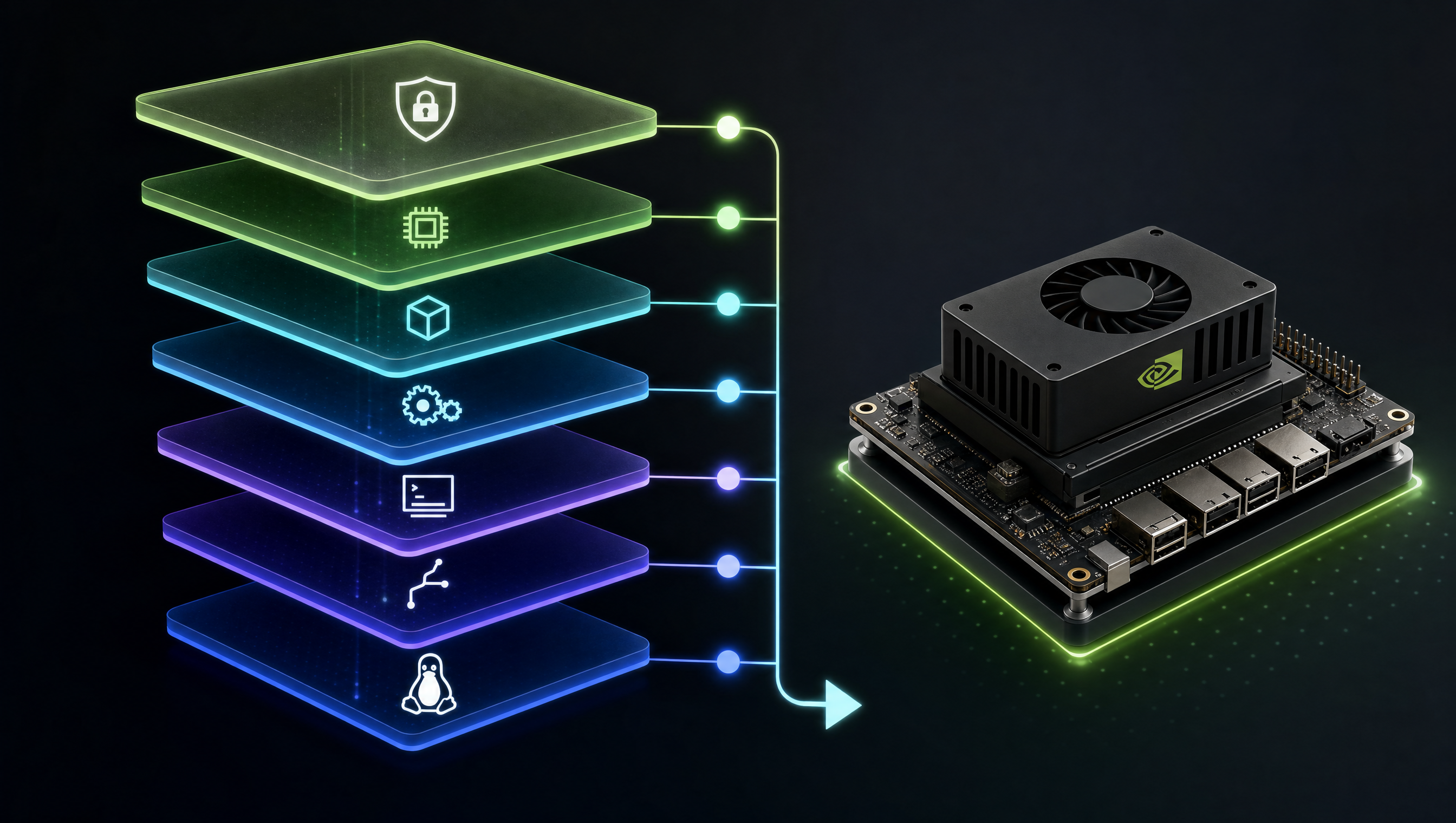
Jetson Orin UEFI boot sequence: MB1, MB2, TF-A, UEFI, and kernel
The Jetson Orin boot sequence spans five distinct stages before the Linux kernel takes control. Each stage runs at a different privilege level, and failures in early stages (MB1/MB2) require UART debug access to diagnose. Understanding where each stage runs and what it initializes is essential for custom carrier board bring-up and production system hardening.
Key Insights
- MB1 runs from ROM, it cannot be modified: DRAM initialization failures here require board-level debug (oscilloscope on DRAM signals)
- MB2 and TF-A are replaced during flashing: they are written to dedicated QSPI NOR flash partitions;
flash.shupdates them - UEFI applies device tree overlays: the plugin manager reads DTBOs from SPI flash before passing the DTB to the kernel; this is why DTBO changes require
flash.sh --no-flashplus tegraflash to update SPI flash only extlinux.confis the most accessible customization point: kernel cmdline, DTB path, and FDT overlays are all controlled here with no reflashing needed- UART output shows the current boot stage: each stage identifies itself in the serial output; knowing the last visible stage tells you exactly where a boot failure occurred
Boot sequence overview
Power-on
   │
   ▼
MB1 (ROM stage)
├─ Runs from on-chip ROM at EL3
├─ Initializes DRAM (EMC controller)
├─ Loads MB2 from QSPI NOR flash
└─ Transfers control to MB2
   │
   ▼
MB2 (BPMP stage)
├─ Sets up PMIC and power rails
├─ Configures clock tree and PLLs
├─ Establishes security partitions (TrustZone)
├─ Loads TF-A (Trusted Firmware-A) to EL3
└─ Loads UEFI payload
   │
   ▼
TF-A (EL3 Secure Monitor)
├─ Initializes BPMP (Boot and Power Management Processor)
├─ Sets up SMC call interface for runtime PSCI
├─ Passes control to UEFI at EL2
└─ Remains resident as EL3 handler
   │
   ▼
UEFI Firmware
├─ Initializes PCIe, USB, display (EFI FB)
├─ Reads DTBOs from SPI flash (plugin manager)
├─ Applies overlays to base DTB
├─ Discovers boot device (NVMe/eMMC/SD)
├─ Reads extlinux.conf or EFI boot entries
└─ Loads kernel, initrd, DTB → jumps to kernel
   │
   ▼
Linux Kernel
├─ Brings up CPUs, MMU
├─ Initializes platform devices from DTB
└─ Mounts rootfs, runs /sbin/init
UART debug access
All boot stages produce output on the debug UART before the kernel takes over:
| Connector | Board | Baud | Levels |
|---|---|---|---|
| J29 (4-pin) | AGX Orin Devkit | 115200 8N1 | 3.3V TTL |
| J14 | Orin NX/Nano Devkit | 115200 8N1 | 3.3V TTL |
MB1: [MB1] Started
MB1: [MB1] DRAM training complete
MB2: [MB2] Tegra boot state machine
MB2: [MB2] Loading TF-A
TF-A: NOTICE: BL31: v2.7(debug):
UEFI: NVIDIA UEFI Firmware v1.0
UEFI: Loading kernel from /boot/extlinux/extlinux.conf
[    0.000000] Booting Linux on physical CPU 0x0000000000 [0x412fd050]
If the UART goes silent at a specific stage, that stage is where the failure is occurring.
UEFI customization
Viewing UEFI menu
Hold any key during the UEFI countdown (visible on UART or HDMI during development) to enter the UEFI setup menu. The menu shows boot order, secure boot settings, and platform configuration.
Device tree overlays via UEFI plugin manager
The plugin manager applies DTBOs from SPI flash. To add an overlay:
# In your machine .conf or layer local.conf:
TEGRA_PLUGIN_MANAGER_OVERLAYS:append = " my-carrier-board.dtbo"
After building, flash only the DTBO partition (no full reflash needed):
# From the L4T host tools directory:
sudo ./flash.sh --no-flash jetson-agx-orin-devkit mmcblk0p1
sudo python3 tegraflash.py \
    --chip 0x23 \
    --cmd "write esp my-carrier-board.dtbo"
extlinux.conf, kernel boot configuration
/boot/extlinux/extlinux.conf on the rootfs:
TIMEOUT 30
DEFAULT primary

MENU TITLE Jetson Orin

LABEL primary
      MENU LABEL primary kernel
      LINUX /boot/Image
      INITRD /boot/initrd
      FDT /boot/dtb/tegra234-p3701-0000-p3737-0000.dtb
      FDT_OVERLAYS my-overlay.dtbo
      APPEND ${cbootargs} root=/dev/mmcblk0p1 rw rootwait \
             console=ttyTCU0,115200 console=tty0 \
             nvidia-drm.modeset=1
Common kernel cmdline parameters for Jetson:
| Parameter | Effect |
|---|---|
console=ttyTCU0,115200 | Kernel output to debug UART |
console=tty0 | Kernel output to HDMI |
nvidia-drm.modeset=1 | Enable NVIDIA DRM modesetting (required for Wayland) |
isolcpus=3 | Remove CPU 3 from scheduler for RT use |
rootwait | Wait for rootfs device to appear (required for NVMe) |
systemd.log_level=debug | Verbose systemd output |
Add a kernel parameter without reflashing
# Edit extlinux.conf on the running device
sudo nano /boot/extlinux/extlinux.conf

# Add your parameter to the APPEND line
# Reboot to apply
sudo reboot
Partition layout for boot components
| Partition | Contents | Updated by |
|---|---|---|
MB1_BCT | Boot Control Table | flash.sh |
mb1 | MB1 binary | flash.sh |
mb2 | MB2 binary | flash.sh |
mb2-applet | MB2 runtime applet | flash.sh |
cpu-bootloader | TF-A + UEFI combined | flash.sh |
esp | EFI System Partition (DTBOs, extlinux.conf) | flash.sh or manual copy |
kernel | Linux kernel Image | flash.sh or apt |
kernel-dtb | Base DTB | flash.sh |
APP / APP_b | Rootfs A/B | flash.sh or OTA |
For UEFI shell recovery when the system fails to boot, see Jetson UEFI shell assertion and boot recovery.
FAQ
What are MB1 and MB2 on Jetson Orin?
MB1 runs from ROM at power-on, initializes DRAM, and loads MB2. MB2 sets up power rails, clocks, and security domains, then loads TF-A and UEFI. Both are NVIDIA proprietary binaries flashed to QSPI NOR flash partitions during flash.sh.
Can I modify the kernel command line on Jetson Orin?
Yes. Edit /boot/extlinux/extlinux.conf on the running system and add parameters to the APPEND line. Changes take effect on the next reboot with no reflashing required.
How does Jetson Orin load device tree overlays at boot?
UEFI reads DTBOs from SPI flash via the plugin manager and applies them to the base DTB before passing it to the kernel. List overlays in TEGRA_PLUGIN_MANAGER_OVERLAYS in your Yocto build; they are written to SPI flash during flash.sh.
How do I see MB1 and MB2 boot output on Jetson Orin?
Connect a 3.3V TTL UART adapter to the debug serial connector at 115200 baud. All boot stages, MB1, MB2, TF-A, UEFI, kernel, produce output on this UART.
Relevant Services
NVIDIA Jetson Expert Support
Stuck on a Jetson bring-up?
We've debugged this failure mode before. BSP, device tree, camera pipelines, OTA, most blockers clear in the first session. No long retainers. No guessing.
Frequently Asked Questions
What are MB1 and MB2 on Jetson Orin?
MB1 (Microboot 1) is the first-stage bootloader that runs from ROM immediately after power-on. It initializes DRAM and loads MB2 from the boot storage. MB2 (Microboot 2) sets up the PMIC, clock tree, and security boundaries, then loads TF-A and UEFI. Both are NVIDIA proprietary binaries included in the L4T BSP.
Can I modify the kernel command line on Jetson Orin?
Yes. The kernel command line is in /boot/extlinux/extlinux.conf under the APPEND directive. Edit this file directly on the running system, or set the kernel command line in your Yocto build via APPEND in the machine .conf file. Changes to extlinux.conf take effect on the next reboot without reflashing.
How does Jetson Orin load device tree overlays at boot?
UEFI reads DTBOs from the SPI flash partition managed by the UEFI plugin manager. Overlays listed in TEGRA_PLUGIN_MANAGER_OVERLAYS are written to SPI flash during the flash.sh process and applied by UEFI before the kernel loads. This is the production path for custom carrier board overlays on R36+.
How do I see MB1 and MB2 boot output on Jetson Orin?
Connect a UART cable to the debug serial connector (3.3V TTL, 115200 8N1). MB1 and MB2 produce output on this UART before the kernel takes over. The debug serial pinout for the AGX Orin devkit is on J29 (4-pin header). On carrier boards, check the schematic for UART_0 on the Jetson module connector.

Written by
Aarón AnguloCo-Founder & CEO · ProventusNova
Obsessed with client outcomes. Aarón ensures every engagement delivers real results, on time, on scope, no exceptions.
Connect on LinkedInRelated Articles
Jetson Orin rootfs-ab slot switches to B unexpectedly, nvbootctrl debug
Why Jetson Orin switches to the B rootfs partition on reboot, how nvbootctrl works, and how to prevent unwanted slot switches with retry counters.
GMSL YUV422 capture and FORCE_FE errors on Jetson Orin, debug guide
Debug GMSL YUV422 capture issues on Jetson Orin, FORCE_FE decoder config, partial frame faults, and MAX9295/MAX9296 YUV format setup.
Jetson camera works with v4l2-ctl but fails to launch argus_camera, debug guide
Why your Jetson camera works with v4l2-ctl but argus_camera fails, tegra-camera DT node issues, sensor mode tables, and the V4L2-to-Argus fault path.
nvcompositor vs parallel GStreamer pipelines on Jetson Orin, when each is slower
When to use nvcompositor vs parallel GStreamer pipelines on Jetson Orin, why compositor is slower, and how to choose the right path for your workload.