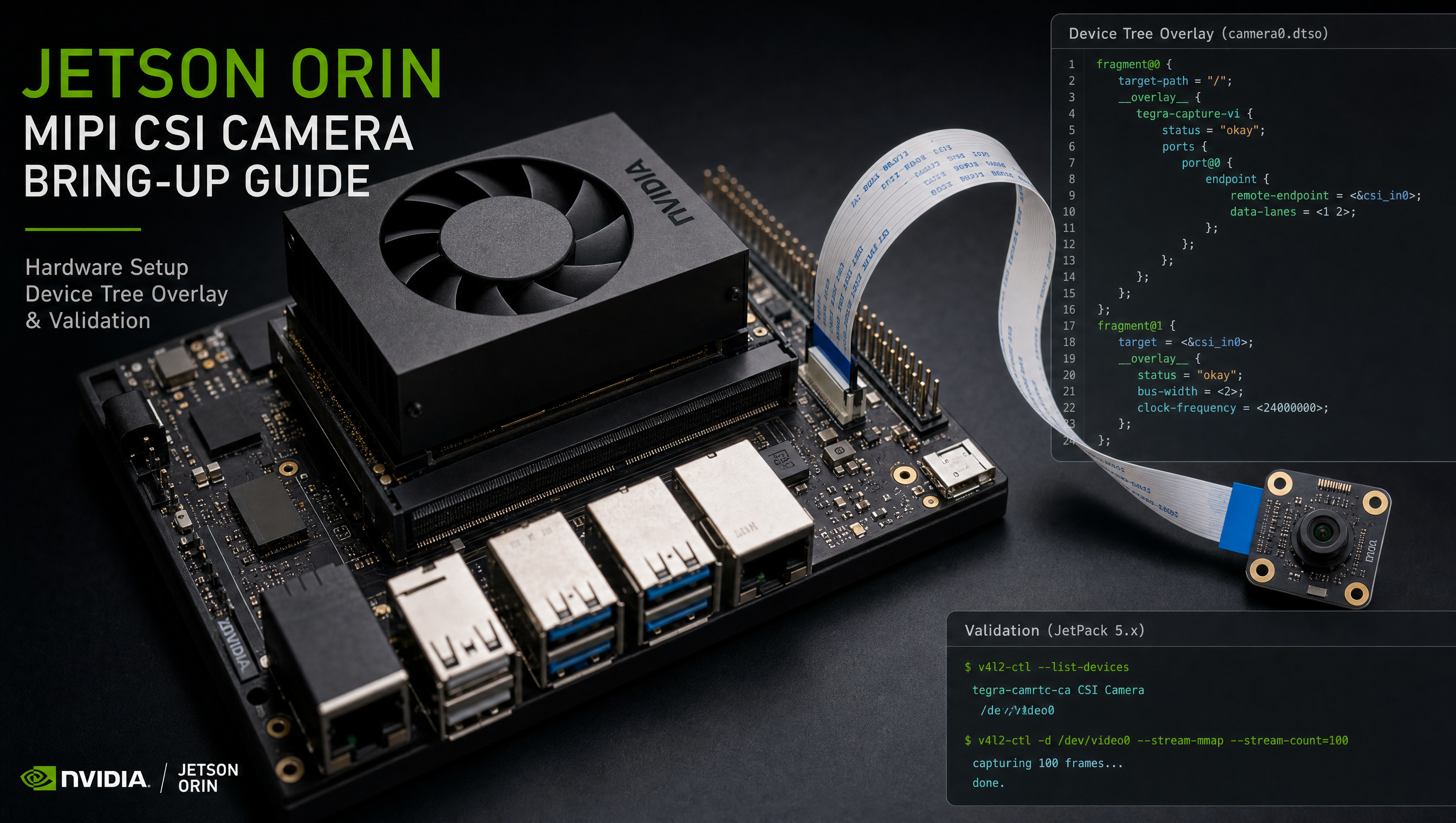
How to enable CSI0 on Jetson Orin in the device tree
CSI camera bring-up on Jetson Orin involves two hardware blocks that must both be configured in the device tree: the NVCSI receiver and the VI DMA engine. Getting one right and missing the other is the most common reason a camera sensor appears in v4l2-ctl --list-devices but delivers no frames.
Key Insights
- Both
nvcsiandvinodes must be enabled: NVCSI receives MIPI data; VI moves it to memory; neither alone is sufficient - Port numbering maps to physical CSI connectors:
port@0= CSI0 (connector J22 on AGX Orin devkit),port@1= CSI1, etc. num_lanesmust match the sensor: a 4-lane sensor configured as 2-lane silently produces corrupt frames, not an error- DT overlays loaded by UEFI are the production path: avoid build-time overlay merges on R36+; use TEGRA_PLUGIN_MANAGER_OVERLAYS
- Bring up V4L2 first, then Argus: V4L2 works without sensor mode tables; Argus needs them; start simple
Jetson Orin CSI hardware layout
Jetson Orin (T234) has 3 NVCSI bricks, each capable of accepting a 4-lane CSI-2 stream. The AGX Orin devkit exposes all three:
| NVCSI Brick | DT port | Physical connector | Lanes |
|---|---|---|---|
| CSI0 | nvcsi: port@0 | J22 (left) | 4 |
| CSI1 | nvcsi: port@1 | J22 (right) | 4 |
| CSI2 | nvcsi: port@2 | J20 | 4 |
Orin NX exposes CSI0 and CSI1 only (4 lanes each). Orin Nano exposes CSI0 only (4 lanes).
Device tree nodes to enable
NVCSI node (data receiver)
/* In your .dtbo overlay */
/ {
    /* Enable NVCSI receiver for CSI0 */
    nvcsi@15a00000 {
        channel@0 {
            status = "okay";
            ports {
                port@0 {
                    status = "okay";
                    endpoint@0 {
                        status = "okay";
                        port-index = <0>;   /* CSI brick 0 = CSI0 */
                        bus-width = <4>;    /* 4-lane */
                        remote-endpoint = <&your_sensor_csi_ep>;
                    };
                };
            };
        };
    };
};
VI node (DMA engine)
/ {
    /* Enable VI DMA channel for CSI0 */
    vi@15c10000 {
        num-channels = <1>;

        ports {
            port@0 {
                status = "okay";
                vi_in0: endpoint {
                    port-index = <0>;
                    bus-width = <4>;
                    remote-endpoint = <&csi_in0>;
                };
            };
        };
    };
};
Sensor node (under I2C bus)
&i2c1 {
    status = "okay";

    your_sensor@36 {
        compatible = "sony,imx219";
        reg = <0x36>;
        status = "okay";

        /* CSI connection */
        port {
            your_sensor_csi_ep: endpoint {
                remote-endpoint = <&csi_in0>;
                data-lanes = <1 2 3 4>;
                clock-lanes = <0>;
                link-frequencies = /bits/ 64 <456000000>;
            };
        };
    };
};
Minimal working overlay for a 4-lane IMX219 on CSI0
/dts-v1/;
/plugin/;

#include <dt-bindings/clock/tegra234-clock.h>
#include <dt-bindings/gpio/tegra234-gpio.h>

/ {
    overlay-name = "CSI0 IMX219 4-lane";
    jetson-header-name = "Jetson CSI0";
    compatible = "nvidia,p3737-0000+p3701-0000";

    fragment@0 {
        target-path = "/";
        __overlay__ {
            cam_i2cmux {
                status = "okay";
                i2c_0: i2c@0 {
                    status = "okay";

                    imx219_a@10 {
                        compatible = "sony,imx219";
                        reg = <0x10>;
                        status = "okay";

                        physical_w = "5.095";
                        physical_h = "4.930";
                        sensor_model = "imx219";
                        avdd-reg = "vana";
                        iovdd-reg = "vif";
                        dvdd-reg = "vdig";
                        clocks = <&bpmp TEGRA234_CLK_EXTPERIPH1>;
                        clock-names = "extclk";
                        reset-gpios = <&tegra_main_gpio TEGRA234_MAIN_GPIO(H, 3) 0>;
                        mclk = "extclk";
                        clock-frequency = <24000000>;
                        num_lanes = "4";

                        ports {
                            port@0 {
                                imx219_csi_out0: endpoint {
                                    port-index = <0>;
                                    bus-width = <4>;
                                    remote-endpoint = <&csi_in0>;
                                };
                            };
                        };
                    };
                };
            };
        };
    };

    fragment@1 {
        target-path = "/tegra-camera-platform";
        __overlay__ {
            num_csi_lanes = <4>;
            max_lane_speed = <1500000>;
            min_bits_per_pixel = <8>;
            vi_peak_byte_per_pixel = <2>;
            vi_bw_margin_pct = <25>;
            max_pixel_speed = <7680000>;
            isp_peak_byte_per_pixel = <5>;
            isp_bw_margin_pct = <25>;

            modules {
                module0 {
                    status = "okay";
                    badge = "imx219_topleft";
                    position = "topleft";
                    orientation = "1";
                    drivernode0 {
                        status = "okay";
                        pcl_id = "v4l2_sensor";
                        sysfs-device-tree = "/sys/firmware/devicetree/base/cam_i2cmux/i2c@0/imx219_a@10";
                    };
                };
            };
        };
    };

    fragment@2 {
        target = <&vi_base>;
        __overlay__ {
            status = "okay";
            ports {
                vi_port0: port@0 {
                    status = "okay";
                    endpoint@0 {
                        port-index = <0>;
                        bus-width = <4>;
                        remote-endpoint = <&imx219_csi_out0>;
                    };
                };
            };
        };
    };

    fragment@3 {
        target = <&nvcsi_base>;
        __overlay__ {
            status = "okay";
            channel@0 {
                status = "okay";
                ports {
                    port@0 {
                        status = "okay";
                        csi_in0: endpoint@0 {
                            status = "okay";
                            port-index = <0>;
                            bus-width = <4>;
                            remote-endpoint = <&imx219_csi_out0>;
                        };
                    };
                    port@1 {
                        status = "okay";
                        endpoint@1 {
                            status = "okay";
                            port-index = <0>;
                            bus-width = <4>;
                            remote-endpoint = <&vi_port0>;
                        };
                    };
                };
            };
        };
    };
};
Loading the overlay at runtime (UEFI plugin manager)
For production carrier boards on R36+, overlays go into the SPI flash partition managed by UEFI:
# In your machine .conf or layer local.conf
TEGRA_PLUGIN_MANAGER_OVERLAYS:append = " csi0-imx219.dtbo"
For development testing, load a compiled DTBO at runtime:
# Compile the overlay
dtc -I dts -O dtb -o csi0-imx219.dtbo csi0-imx219.dts

# Apply (takes effect after reboot)
cp csi0-imx219.dtbo /boot/
# Add to /boot/extlinux/extlinux.conf:
# FDT_OVERLAYS csi0-imx219.dtbo
Validating the result
# 1. Check sensor driver probed
dmesg | grep -E "imx219|sensor|csi|nvcsi|vi@"

# 2. Verify V4L2 device created
v4l2-ctl --list-devices

# 3. Test frame capture (validates NVCSI + VI are both working)
v4l2-ctl -d /dev/video0 \
  --set-fmt-video=width=1920,height=1080,pixelformat=RG10 \
  --stream-mmap --stream-count=5 --stream-to=/tmp/frame.raw

# Check file size > 0
ls -la /tmp/frame.raw

# 4. Test Argus pipeline
nvarguscamerasrc sensor-id=0 ! \
  'video/x-raw(memory:NVMM),width=1920,height=1080' ! \
  nvvidconv ! video/x-raw,format=I420 ! \
  filesink location=/tmp/argus_test.yuv
For MIPI CSI-2 camera driver bring-up including sensor mode tables and the tegra-camera-platform node, see MIPI CSI camera driver setup on Jetson Orin. For GMSL cameras that use a different bring-up path, see GMSL2 camera bring-up on Jetson Orin. CSI lane availability and connector routing differ per carrier board, so if you are still selecting hardware, Jetson carrier board manufacturers compared covers which boards expose which CSI configurations.
FAQ
How do I enable CSI0 on Jetson Orin?
Set status = "okay" on both the nvcsi port and the corresponding vi channel in your device tree overlay. Both must be enabled, the NVCSI receiver and the VI DMA engine are separate hardware blocks.
What is the difference between nvcsi and VI in the Jetson camera stack?
NVCSI receives raw MIPI data and handles CSI-2 protocol decoding. VI is the DMA engine that moves frames from NVCSI into memory. Both must be enabled and cross-referenced via remote-endpoint links in the device tree.
Can I enable multiple CSI ports simultaneously on Jetson Orin?
Yes. AGX Orin supports up to 6 CSI streams. Enable each port independently with its own channel node under nvcsi and a corresponding port node under vi.
Why does v4l2-ctl list my camera but I get no frames?
The sensor driver probed successfully over I2C, but the CSI/VI pipeline is not configured correctly in the device tree. Verify both nvcsi and vi are enabled, that num_lanes matches your sensor, and that the remote-endpoint links are correct.
Relevant Services
NVIDIA Jetson Expert Support
Stuck on a Jetson bring-up?
We've debugged this failure mode before. BSP, device tree, camera pipelines, OTA, most blockers clear in the first session. No long retainers. No guessing.
Frequently Asked Questions
How do I enable CSI0 on Jetson Orin?
CSI0 requires two device tree nodes to be enabled: the nvcsi port (under nvcsi@15a00000, port@0) and the corresponding VI channel (under vi@15c10000). Setting only the nvcsi port to okay while leaving VI disabled is a common cause of 'CSI0 enabled but no frames arrive' failures.
What is the difference between nvcsi and VI in the Jetson camera stack?
NVCSI (NVIDIA Camera Serial Interface) receives MIPI data from the sensor and handles CSI-2 protocol decoding, deskew calibration, and virtual channel demux. VI (Video Input) is the DMA engine that moves frames from NVCSI into memory for Argus or V4L2. Both must be enabled for camera capture to work.
Can I enable multiple CSI ports simultaneously on Jetson Orin?
Yes. Jetson AGX Orin supports up to 6 CSI streams (3 bricks × 2 streams each, or configured as single 4-lane ports). Orin NX supports 4 streams, Orin Nano supports 2. Enable each port independently in your DT overlay with its own port node under nvcsi and a corresponding channel under vi.
Why does v4l2-ctl list my camera but I get no frames?
The sensor was probed (I2C ACK received, driver loaded) but the CSI or VI pipeline is not configured correctly. Check that the nvcsi port and vi channel are both enabled, that num_lanes matches your sensor, and that the tegra-camera node has the correct sensor_modes entries matching the format you are requesting.

Written by
Aarón AnguloCo-Founder & CEO · ProventusNova
Obsessed with client outcomes. Aarón ensures every engagement delivers real results, on time, on scope, no exceptions.
Connect on LinkedInRelated Articles
MIPI CSI-2 from an FPGA on Jetson Orin, nvcsi deskew and custom source bring-up
Bring up a MIPI CSI-2 source from an FPGA on Jetson Orin, handling nvcsi deskew calibration, clock errors, and short frame faults.
GMSL YUV422 capture and FORCE_FE errors on Jetson Orin, debug guide
Debug GMSL YUV422 capture issues on Jetson Orin, FORCE_FE decoder config, partial frame faults, and MAX9295/MAX9296 YUV format setup.
Jetson camera works with v4l2-ctl but fails to launch argus_camera, debug guide
Why your Jetson camera works with v4l2-ctl but argus_camera fails, tegra-camera DT node issues, sensor mode tables, and the V4L2-to-Argus fault path.
GPIO and PWM configuration on Jetson Orin, pinmux, sysfs, and device tree
Configure GPIO output and PWM on Jetson Orin using sysfs, the pinmux spreadsheet, and device tree overlays, with working examples for each approach.