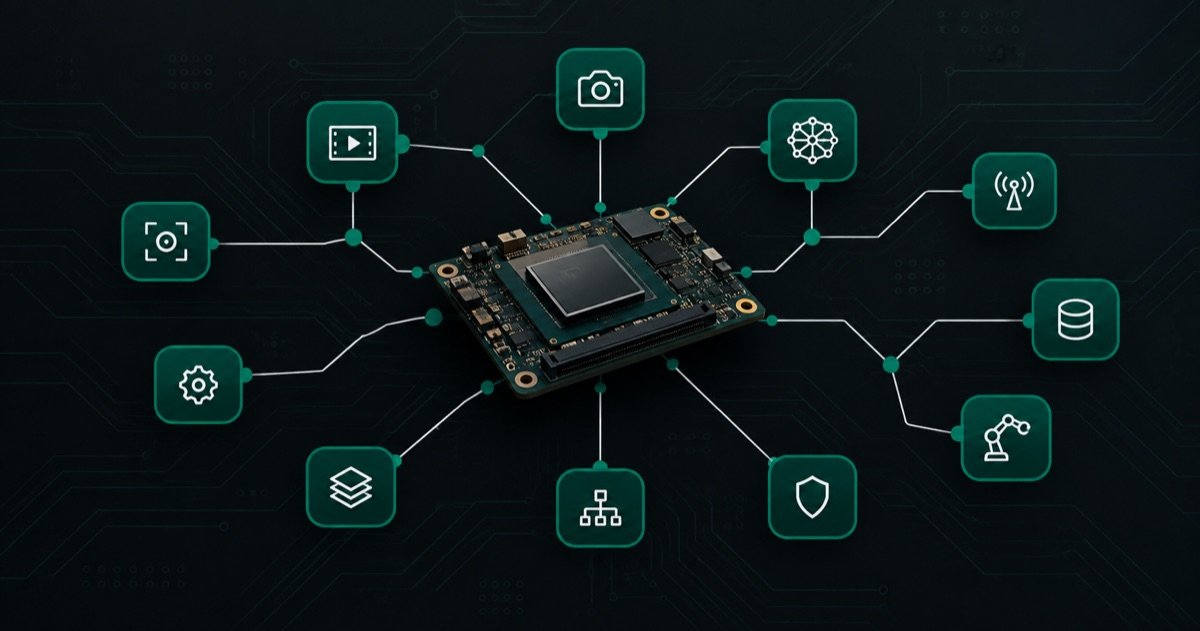
Running ROS 2 on the MediaTek Genio
People are often surprised that ROS 2 runs cleanly on a MediaTek Genio. It does. Our ROSOrin robot runs a full ROS 2 Humble stack on a Genio 520: speech, vision, lidar, navigation, and a mecanum drive, all at once. This post is the honest lay of the land, what the stack looks like and where the friction actually is, so you can plan around it.
Key Insights
- ROS 2 Humble runs well on the MediaTek Genio 520, driving a complete robot with vision, lidar, and motion together
- We run each ROS 2 node as a Docker container on a custom Yocto image, which is what makes the build reproducible across boards and reflashes
- ROS 2 itself is rarely the hard part; the friction is peripherals, device access into containers, and cross-container communication
- Getting ROS 2 nodes in separate containers to talk efficiently needs deliberate configuration, and skipping it produces confusing failures
- The Genio is a credible robotics compute platform, and the AI accelerator is a real reason to consider it over a CPU-only board
Yes, and here is the shape of it
ROS 2 Humble on the Genio behaves like ROS 2 anywhere: the nodes, topics, and tooling are the same. What differs on an embedded target is how you package and ship it. We run each part of the robot, the camera driver, the object detector, the speech pipeline, the brain that decides what to do, the motor server, and the dashboard, as its own container.
Those containers are baked into a custom Yocto image. That choice is what turns a demo into something you can reproduce. A Yocto image rebuilds identically, boots the same way every time, and can be flashed onto the next board without a day of manual setup. For a product, that reproducibility is not a nicety, it is the whole game.
Where the friction actually is
The surprising thing about bringing ROS 2 up on a new board is how little of the trouble is ROS 2. In our build the time went to three things, and they will be the same three on your board.
Peripherals and their drivers. Cameras, lidar, microphones, and motor controllers each have to enumerate reliably and survive reboots. On a new board that is where the days go, and the failures are rarely where you first look. We have separate write-ups on the ones that cost us the most, because they are the parts nobody documents.
Getting devices into containers. Running nodes in containers is the right call, and it means every physical device has to be presented into the right container correctly and stay stable across restarts. This is a solvable, well-understood problem, and it is easy to get subtly wrong in a way that only shows up under load.
Cross-container communication. This is the one that bites hardest. ROS 2 nodes in separate containers on the same board have to be able to talk to each other efficiently, and the defaults are not always what you want when everything is local. Set it up correctly and it is invisible; set it up naively and you get intermittent, baffling stalls where messages seem to arrive but nothing happens. It has a clean answer, and it is worth knowing before you hit it rather than after.
What we are not putting in this post
You will notice this is not a step-by-step. That is deliberate. The commands to stand up ROS 2 on a Genio are not the valuable part, and they change with every image and SDK version. The valuable part is knowing which choices matter, where the schedule risk is, and how to avoid spending a month learning the same three lessons. That is the work we do, and it is the part worth a conversation.
If you are choosing a robotics platform
The Genio is a serious option for a robotics or vision product, and the reason to reach for it over a CPU-only board is the neural accelerator, which is where the AI has to run to be fast and cool enough to ship. We cover that in YOLOv8 object detection on the Genio NPU and Whisper speech-to-text on the Genio NPU.
If you are standing up ROS 2 on a MediaTek Genio or on NVIDIA Jetson and want to skip the month of integration lessons, that is exactly what we do on a fixed timeline. Tell us what you are building and we will tell you the fastest path to a working result. For the robot this all came from, see the ROSOrin build overview.
Relevant Services
MediaTek Genio Expert Support
Building on MediaTek Genio?
BSP bring-up, GStreamer pipelines, NeuroPilot integration, we've shipped it. Get unblocked fast. One call to scope it, fixed bid to deliver it.
Frequently Asked Questions
Does ROS 2 run on the MediaTek Genio?
Yes. Our ROSOrin robot runs ROS 2 Humble on a MediaTek Genio 520, handling voice control, vision, lidar, navigation, and a mecanum drive together. We run it as a set of Docker containers on a custom Yocto image, which is what makes the setup reproducible rather than a hand-tuned one-off.
Should you run ROS 2 in containers on the Genio?
For a product, yes. Containers pin each node's dependencies and let the image be rebuilt identically, which matters the moment you have more than one board or need to reflash. The tradeoff is that inter-node communication needs configuring correctly across container boundaries, which is a known and solvable issue.
What is the hardest part of ROS 2 on the MediaTek Genio?
Rarely ROS 2 itself. The friction is at the edges: getting peripherals enumerated and stable, sharing devices into containers, and making ROS 2 nodes in separate containers talk to each other efficiently. Those are integration problems, and they are where the schedule risk lives on a new board.
Written by
Andrés CamposCo-Founder & CTO · ProventusNova
8 years deep in embedded systems, from underwater ROVs to edge AI. Andrés leads every technical delivery personally.
Connect on LinkedInRelated Articles
MediaTek Genio for robotics edge AI: inference, camera, BSP reality
Is MediaTek Genio viable for robotics edge AI? Honest assessment of inference latency, camera pipeline, ROS 2 support, and BSP limitations for robotics builds.
MediaTek Genio vs Jetson for a ROS 2 Robot
We built a ROS 2 robot on the MediaTek Genio. Here is how the Genio and NVIDIA Jetson actually compare for robotics, from first-hand experience on both.
ROS 2 Across Containers: the Fast DDS Gotchas
Our containerized ROS 2 robot froze in ways that made no sense. The cause was DDS transport across container boundaries. The two settings that fixed it.
Voice-to-Wheels: Turning Speech into ROS 2 Motion
Routing every spoken command through an LLM made our robot slow and wrong. A rule layer in front of the model fixed both. How we structured voice control.