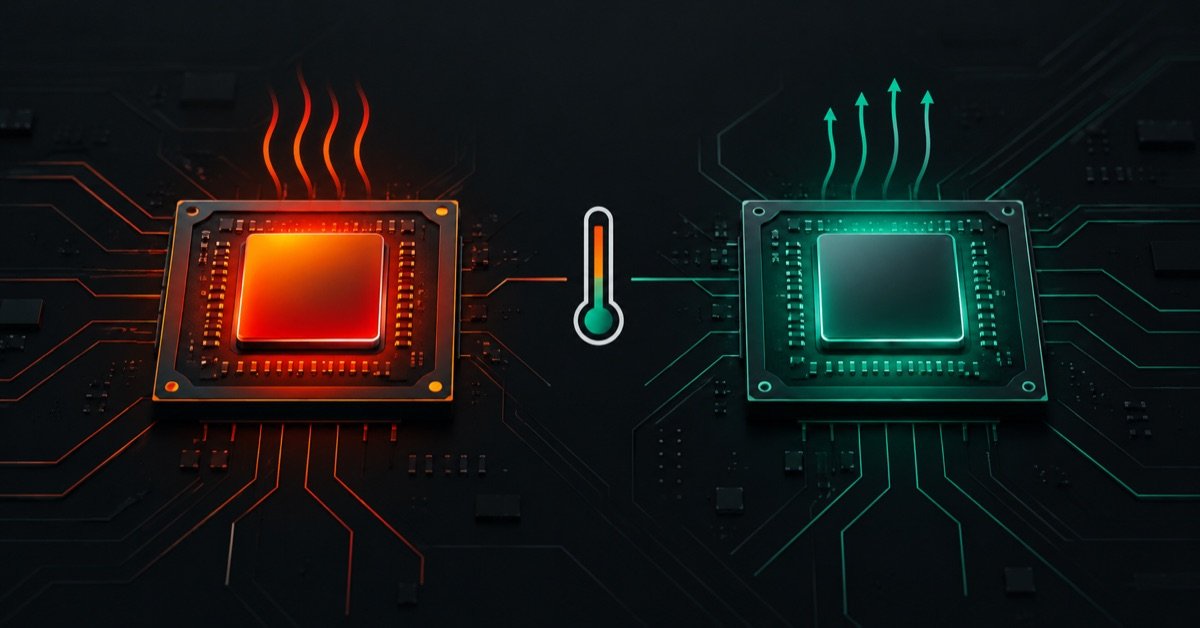
NPU vs CPU on the MediaTek Genio: the Thermal Reality
Here is a lesson that surprises product teams: on a small fanless edge board, running AI is a heat problem before it is a speed problem. We learned it the direct way, by watching our robot’s MediaTek Genio climb past its throttle temperature within a minute of turning the camera on. This is what that looks like and how to think about it.
Key Insights
- Running our vision model on the MediaTek Genio 520 CPU drove the chip to 78 to 84 C and past its passive throttle point in about a minute
- The same model on the NPU held 58 to 60 C on the same board, cool enough to run fanless
- Capping CPU usage does not solve it: if inference is already too slow, throttling only makes it slower
- Some embedded kernels do not expose a working CPU quota control at all, so that lever may not even exist
- On a fanless edge device, plan the thermal budget of your AI workload before integration, not after
What overheating looks like
We ran our object detector on the Genio’s CPU cores first, because that is the path of least resistance. Within about sixty seconds of real camera frames, the board was at 78 to 84 C. The passive design wants to throttle well below that, so the chip started slowing itself down to protect itself. Every core was pinned at maximum clock the whole time, drawing six to nearly eight cores’ worth of load for a detector running at roughly two frames a second.
A throttling chip is the worst of both worlds. You are already too slow, and now the hardware makes you slower to keep from cooking. On a robot with no fan, in a warm room, this is not a demo you can leave running, let alone a product you can ship.
Why you cannot throttle your way out
The instinct is to cap the CPU so it runs cooler. It does not work here, for two reasons. First, the model is already slower than the frame rate we want, so limiting cores just trades heat for even lower frame rate, and you still may not get under the thermal limit. Second, and this is the embedded twist, the kernel on this board did not expose a working CPU quota control at all, so the usual container-level cap was simply unavailable. The lever you reach for may not be there.
The workload is on the wrong processor. That is the actual problem, and cooling tricks only paper over it.
The real answer
Moving the detection onto the Genio’s neural accelerator dropped the board to 58 to 60 C doing the same job, cool enough to run without a fan while the camera and the rest of the stack ran alongside it. That is the headline: the NPU is not only faster, it is what makes on-device vision thermally possible on a passive board. We cover the speed side in YOLOv8 on the Genio NPU.
If for some reason a workload has to stay on the CPU, then the honest options are a smaller, cheaper model and real cooling, a heatsink or a fan sized to the sustained load. Both are legitimate, and both are decisions you want to make early.
The order of operations that saves months
The expensive mistake is discovering your thermal problem at integration time. The order that avoids it is: choose the board for its accelerator, confirm your model runs on that accelerator within your frame-rate and temperature budget, then design the enclosure and cooling around the load you measured. Teams that skip the measurement and assume the CPU will cope tend to find out in the enclosure, which is the most expensive place to find out.
Sizing an AI workload to a fanless board, on the MediaTek Genio or on NVIDIA Jetson, is exactly the kind of thing we characterize quickly because we have done it before. Tell us what you are building and we will tell you whether your model fits your board before you commit to the enclosure. For the robot this came from, see the ROSOrin build overview.
Relevant Services
MediaTek Genio Expert Support
Building on MediaTek Genio?
BSP bring-up, GStreamer pipelines, NeuroPilot integration, we've shipped it. Get unblocked fast. One call to scope it, fixed bid to deliver it.
Frequently Asked Questions
Why does running a vision model on the CPU overheat an edge board?
A modern detection model pins every CPU core at maximum clock, and sustained full-core load on a small fanless board produces more heat than the passive design can shed. On our MediaTek Genio the CPU vision path sat at 78 to 84 C, above the throttle point, within a minute. The chip then slows itself down, so you lose performance and stability at the same time.
Does the NPU actually run cooler than the CPU for AI?
Yes, substantially. On the same board doing the same detection, the CPU path ran at 84 C while the NPU path held around 58 to 60 C. The accelerator does the work more efficiently and leaves the CPU cores free, so the board runs cooler and can stay fanless.
Can you just limit CPU usage to control the heat?
Usually not in a way that helps. If the model is already slower than your target frame rate, capping cores only makes it slower without necessarily fixing the thermals, and some embedded kernels do not even expose a working CPU quota control. The real answer is to move the work off the CPU or add cooling, not to throttle.
Written by
Andrés CamposCo-Founder & CTO · ProventusNova
8 years deep in embedded systems, from underwater ROVs to edge AI. Andrés leads every technical delivery personally.
Connect on LinkedInRelated Articles
YOLOv8 Object Detection on the MediaTek Genio NPU
Moving YOLOv8 to the MediaTek Genio NPU took our robot's detection from 426 ms to 32 ms per frame and let it run fanless. What it takes, and when it pays off.
MediaTek Genio for computer vision: a practical guide
Build a computer vision pipeline on MediaTek Genio. Camera capture, GStreamer, OpenCV, TFLite NPU inference, and end-to-end object detection pipeline examples.
ONNX Runtime on the MediaTek Genio NPU (520 and 720)
Run ONNX Runtime on the Genio NPU. Only the Genio 520 and 720 support the NeuronExecutionProvider out of the box, plus the mandatory FP16 flag and benchmarks.
Getting started with Ubuntu on MediaTek Genio
Run Ubuntu on MediaTek Genio: supported boards, first boot, the genio-public BSP PPA, hardware video and NPU packages, and how it differs from Yocto.