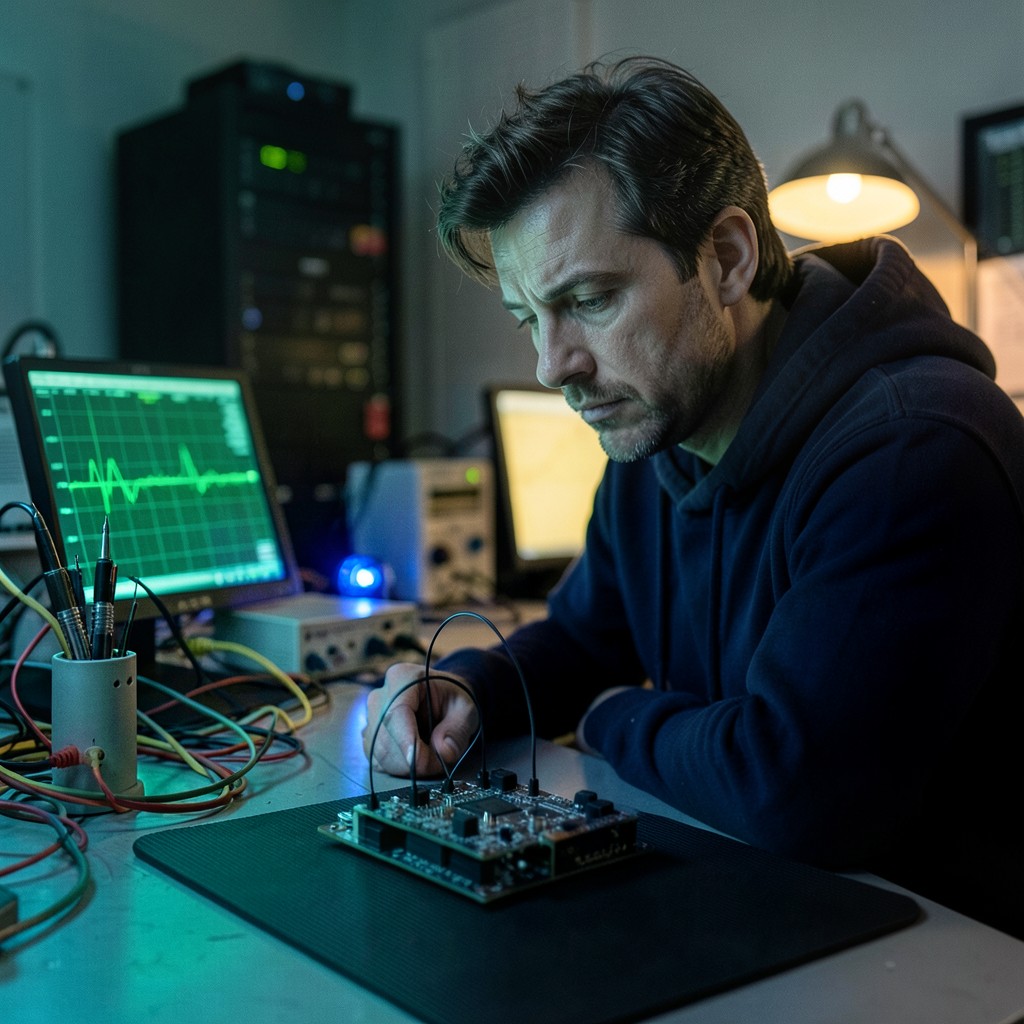
What engineers wish they'd known before their first Jetson carrier board
Key Insights
- The Jetson Design Guide is not optional reading, engineers who skip it find out the hard way what’s in it
- Bring-up on the devkit first, always, it separates hardware problems from software problems
- The devkit DTS is a reference, not a starting point, every GPIO, I2C bus, and regulator needs verification against your schematic
- Plan for bring-up to take twice as long as estimated, and have a scope available from day one
- The second carrier board bring-up takes a fraction of the time the first one takes, the knowledge compounds
The gap between “board arrived” and “board works”
We have worked with enough hardware startup teams to recognize a pattern. The board arrives from the manufacturer. The team is excited, months of PCB design work are finally in hand. The first boot attempt is usually the beginning of a 6–14 week debugging marathon that nobody budgeted for.
This is not a failure of engineering skill. It is the inevitable result of attempting something for the first time, on a complex platform, with a BSP that assumes you already know what you are doing.
Here is what experienced engineers do differently.
Read the Design Guide before layout begins
The Jetson Module Design Guide (not the datasheet, the Design Guide) specifies hardware requirements that are not negotiable and not obvious from the module pinout. Power sequencing requirements, signal level compatibility, required pull resistors, and which signals must be actively driven versus which can be left floating, this is all in the Design Guide.
Engineers who skip this document and design from the module pinout alone reliably create the same set of problems: SYS_RESET* pulled up too fast, FORCE_RECOVERY* floating when it should be pulled high, VIN_PWR_BAD_N not handled correctly. These failures produce intermittent behavior that looks like instability rather than a specific hardware error.
Read the Design Guide for your specific module (Orin NX and AGX Orin have different guides). Read it before PCB layout begins. Read the revision specific to the JetPack version you plan to use, the requirements have tightened between module generations.
Start software development on the devkit
Before your custom board is manufactured, get a Jetson developer kit for your module and start software development on it. Write your application. Validate your camera pipeline. Test your inference workflow. Get everything working on the devkit.
When your custom board arrives, you now have a known-good software baseline. When something fails on the custom board, you know it is a hardware or BSP adaptation problem, not an application bug or a misunderstanding of the software stack.
Teams that skip devkit development and go straight to custom board have two unknowns at once: the hardware and the software. This makes every debugging session twice as long.
Treat the devkit DTS as a reference, not a starting point
The devkit device tree has hard-coded values that reflect the devkit’s specific hardware: GPIO assignments, I2C bus numbers, regulator node names, power domain configurations, PCIe clock source selection.
On a custom board, most of these are different. The camera I2C bus that was bus 3 on the devkit might be bus 1 on your board. The GPIO that controlled the camera power enable on the devkit might be on a different bank on yours. The PCIe reference clock that came from the devkit’s on-board oscillator might come from the Jetson SoM on your design.
Build a mapping document before writing any DTS. For every hardware reference in the devkit DTS (GPIO numbers, I2C bus numbers, regulator names), document what your custom board uses instead. Then systematically update the DTS. Changing the obvious things (camera port assignments) and forgetting the non-obvious ones (regulator node names) produces a DTS that is 90% correct and fails in ways that look like hardware problems.
Put a scope on the bench from day one
The most expensive tool that engineering teams fail to use during bring-up is a scope. When SYS_RESET* timing is wrong, the scope shows it in 30 seconds. When a power rail has a noise problem causing intermittent resets, the scope shows it in one capture. Without a scope, the same problem can consume days of BSP debugging.
Specific things to probe on first power-on:
- VDD_IN rise time and final voltage
- SYS_RESET* deassertion timing relative to VDD_IN stable
- FORCE_RECOVERY* level at power-on
- Any camera power rails if cameras are part of the bring-up
If anything on this list is out of spec, fix the hardware before proceeding to software.
Budget for bring-up time correctly
First-time custom Jetson carrier board bring-up takes longer than teams plan for, without exception. The common mistake is treating bring-up as a task with a defined end state (“the board boots”) rather than as a phase with multiple sub-milestones.
A more realistic model for a moderately complex board (USB 3.x, PCIe, CSI cameras, Ethernet):
| Milestone | Realistic time |
|---|---|
| First boot to UEFI/serial output | 1–3 days |
| Stable boot to Linux userspace | 3–7 days |
| USB and PCIe functional | 1–2 weeks |
| Camera pipeline working | 2–4 weeks |
| All peripherals validated | 4–8 weeks |
These ranges assume a team with some Jetson experience. First-time teams should budget toward the higher end of each range.
The second board is always faster
The knowledge gained from the first custom Jetson carrier board bring-up is not wasted, it compounds. Engineers who have been through a Jetson bring-up once know what to verify first, what each error message means, and which failures are hardware versus BSP. Second carrier board bring-up typically takes 30–50% of the time the first one took for similar complexity.
This is also why bringing in experts for the first bring-up has lasting value beyond clearing the immediate blocker, the knowledge transfer to the internal team makes every subsequent bring-up faster.
For specific boot failures and their root causes, see Jetson carrier board not booting: 6 root causes nobody documents and hardware design mistakes that cause Jetson carrier board bring-up failures. For the A/B OTA path once the board is up, see Jetson A/B OTA updates: what breaks on custom carrier boards.
The Jetson module Design Guides for current modules are available on the NVIDIA developer download center.
Relevant Services
NVIDIA Jetson Expert Support
Stuck on a Jetson bring-up?
We've debugged this failure mode before. BSP, device tree, camera pipelines, OTA, most blockers clear in the first session. No long retainers. No guessing.
Frequently Asked Questions
How long does first-time Jetson custom carrier board bring-up typically take?
Teams without prior Jetson carrier board experience typically spend 6–14 weeks on bring-up of a reasonably complex board (USB, PCIe, CSI cameras, Ethernet). Teams with prior Jetson experience or with expert support cut this to 2–4 weeks for the same complexity. The difference is almost entirely in knowing what to verify first and what errors mean, rather than raw debugging speed.
What is the single most important thing to do before designing a custom Jetson carrier board?
Read the Jetson Design Guide for your module thoroughly before PCB layout begins. The Design Guide specifies power sequencing requirements, signal level requirements, required pull resistors, and which signals are optional vs. mandatory. Engineers who skip this and design from the module pinout alone miss requirements that produce silent failures during bring-up, ODMDATA mismatches, wrong power sequencing, floating control pins.
Should I bring up on a devkit before moving to a custom carrier board?
Yes, always. Developing software on the devkit first means you have a known-working software baseline before you introduce custom hardware variables. When something fails on your custom board, you know the failure is in the hardware or BSP adaptation, not in your application code or your understanding of the software stack. Teams that skip devkit development and go straight to custom board lose weeks diagnosing problems that would have been visible on the devkit.
What is the biggest BSP mistake teams make on their first custom Jetson carrier board?
Using the devkit device tree as a starting point without systematically adapting every hardware reference. The devkit DTS has hard-coded GPIO pin assignments, I2C bus numbers, regulator names, and power domain configurations. On a custom board, most of these are different. Teams often change the obvious things (camera pin assignments) and miss the less obvious ones (regulator node names, GPIO bank assignments for reset signals). The result is a DTS that is 90% correct and fails in ways that look like hardware problems.
When should I bring in outside help for a Jetson carrier board bring-up?
If the bring-up has been stuck on the same failure for more than one week without progress, outside help is almost always more cost-effective than continuing independently. Experienced Jetson engineers have seen the common failure patterns and can typically identify root causes in hours that take weeks to find independently. The cost of one week of a full engineering team stuck on bring-up is comparable to a professional engagement that clears the blocker.

Written by
Aarón AnguloCo-Founder & CEO · ProventusNova
Obsessed with client outcomes. Aarón ensures every engagement delivers real results, on time, on scope, no exceptions.
Connect on LinkedInRelated Articles
Custom Carrier Board Not Booting on Jetson Orin: Fixed in One Session
Custom carrier board not booting on Jetson Orin? Farmhand AI's board booted in one session. Three BSP parameters cause most Jetson bring-up failures.
Hardware design mistakes that cause Jetson carrier board bring-up failures
The hardware design mistakes that reliably cause Jetson carrier board bring-up failures: power sequencing, EEPROM errors, ODMDATA mismatches, and PCB.
Jetson Carrier Board Not Booting: 6 Root Causes Nobody Documents
Jetson carrier board not booting? Six root causes -- EEPROM, ODMDATA, power sequencing, boot device, device tree, partial flash -- with how to diagnose each.
How to use flash.sh on Jetson Orin: parameters, board configs, and common errors
Using flash.sh on Jetson Orin: board configs, recovery mode, partial flash with -k, custom carrier board workflow, and the 5 most common flash errors fixed.