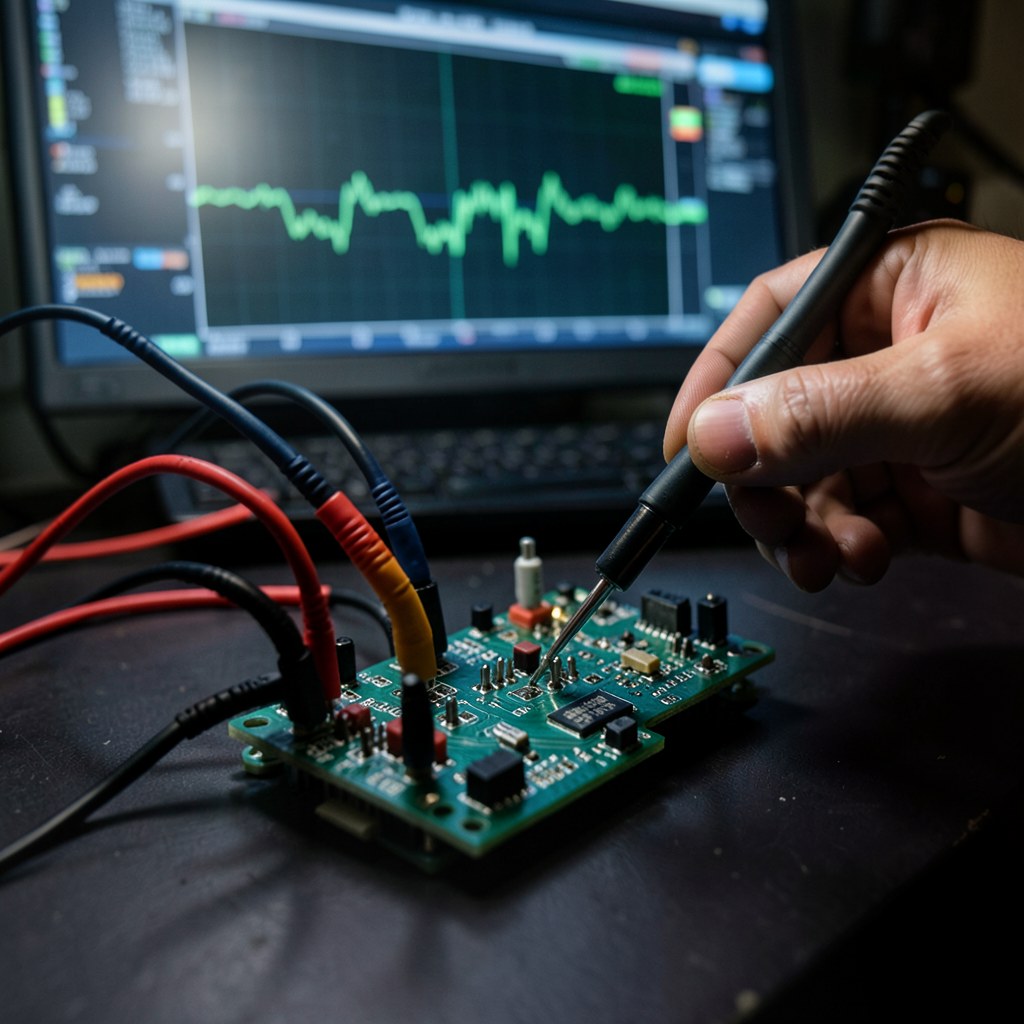
Hardware design mistakes that cause Jetson carrier board bring-up failures
Most custom Jetson carrier board bring-up failures trace back to hardware design decisions made weeks before the board arrived. Power sequencing violations, EEPROM configuration errors, and PCB routing mistakes all produce software symptoms that make them look like driver problems. This post covers the hardware mistakes we see repeatedly.
Key Insights
- Most Jetson carrier board bring-up failures we debug trace back to a small set of repeatable hardware design mistakes
- Power sequencing violations (SYS_RESET* timing) are the most common single cause, and the hardest to diagnose without a scope
- ODMDATA mismatches produce silent failures: peripherals that appear missing when they are actually misconfigured
- Inverted MIPI P/N pairs look like driver bugs but are PCB routing errors, fixable in software on Orin without board rework
- EEPROM absence or wrong address causes subtle BSP behavior that doesn’t produce obvious error messages
Why hardware design mistakes look like BSP bugs
When a custom Jetson carrier board fails to bring up correctly, the first instinct is to blame the BSP or the device tree. This is usually wrong. The most common failures we encounter come from the hardware side, and they produce software symptoms that make them look like software problems.
A power rail that rises too quickly makes the module boot inconsistently. An ODMDATA mismatch makes USB disappear. An inverted MIPI lane makes camera bring-up look like a driver failure. None of these show a clear “hardware fault” error message. The engineer chases BSP configuration for days before the scope comes out and the real problem becomes obvious.
Here are the design mistakes we see repeatedly.
Mistake 1: SYS_RESET* timing violations
The Jetson module requires SYS_RESET* to stay asserted (low) for at least 1 ms after VDD_IN is stable. If SYS_RESET* rises too quickly, because it is pulled up through a low-value resistor or connected to a reset IC with an aggressive timeout, the module enters an undefined state.
The symptom: the board boots sometimes and not others. Or it always boots but hangs at a different point in the boot sequence. Or it boots but peripherals are unreliable.
The check: probe SYS_RESET* and VDD_IN simultaneously on a scope. SYS_RESET* must stay low for at least 1 ms after VDD_IN crosses its nominal voltage. If SYS_RESET* is rising before VDD_IN settles, or within 1 ms of VDD_IN stable, fix the reset circuit timing.
This also applies to modules with VIN_PWR_BAD_N: if this signal asserts during normal operation due to a wrong pull-up value or voltage divider, the module performs a hard reset unexpectedly.
Mistake 2: ODMDATA not matching carrier board
ODMDATA is a 32-bit value flashed to the module’s QSPI that tells the BSP how the carrier board is configured. The wrong ODMDATA means the BSP configures the wrong set of peripherals for the physical hardware.
Common mismatches:
- Boot device bit set to eMMC when the carrier board uses NVMe
- USB mode bits wrong, causing USB3 ports not to enumerate
- Camera configuration bits wrong, causing NVCSI ports to be disabled
The symptom of an ODMDATA mismatch is a peripheral that is completely absent from the OS (lsusb shows nothing, lspci shows nothing) with no error message. The BSP did not fail to configure it, it never tried, because ODMDATA told it the peripheral was not there.
Fix: use NVIDIA’s odmdata configuration tool to set the correct value for your carrier board and reflash. Verify the flashed ODMDATA with cat /proc/device-tree/chosen/nvidia,odmdata | xxd.
Mistake 3: carrier board EEPROM absent or wrong address
The Jetson BSP reads the carrier board EEPROM (at I2C address 0x57 by default) to determine which device tree to load. A wrong board ID in the EEPROM loads the wrong DTS, enabling wrong peripherals, disabling correct ones.
An absent EEPROM produces EEPROM Read Fail in the early serial output. The module still boots, but the BSP falls back to a default configuration that may not match your carrier board.
An EEPROM populated with all zeros (factory default, never programmed) produces the same effect as an absent EEPROM, the board ID is zero, which typically maps to a devkit configuration.
The fix: program the carrier board EEPROM with the correct board ID, SKU, and FAB revision during board assembly. Verify with sudo i2cdump -y 0 0x57 after boot.
Mistake 4: inverted MIPI P/N pairs
MIPI CSI-2 uses differential pairs for data transmission. If a PCB layout swaps the P and N lines on one or more data lanes, an easy mistake in a dense fanout, the NVCSI receives bit-inverted data on that lane.
The symptom: uncorr_err from tegra-camrtc-capture-vi on every frame. The camera probes successfully, I2C works, the sensor appears to be streaming, but every frame produces NVCSI errors. This looks exactly like a driver configuration problem.
On Jetson Orin, lane polarity inversions can be corrected in the device tree without board rework:
/* lane_polarity bitmask: bit N inverts lane N */
lane_polarity = "6";  /* Binary 0110: lanes 1 and 2 inverted */
If you have access to a logic analyzer capable of MIPI decode, you can identify which lanes are inverted by their bit patterns. If you do not, you can determine the correct bitmask by trial and error, there are only 15 non-zero possibilities for a 4-lane interface.
Mistake 5: missing or wrong PCIe reference clock
PCIe requires a 100 MHz reference clock. If the carrier board expects this clock from an external oscillator but the DTS is configured to use the Jetson’s internal clock source (or vice versa), PCIe enumeration fails. The endpoint device is powered but the link never comes up.
The check: verify whether the PCIe REFCLK on your schematic comes from the Jetson SoM or from an external oscillator on the carrier board. The DTS nvidia,refclk-select property must match.
Also check PERST# timing: PERST# must stay asserted until the reference clock is stable and VCC is settled. Asserting PERST# too early or deasserting it before the clock is stable prevents link training.
Mistake 6: wrong USB pull resistors and ID pin handling
USB3 SuperSpeed lines require proper termination. Missing or incorrect resistors on the TX/RX SuperSpeed pairs prevent USB3 link training. The device enumerates as USB2 (or not at all) with no clear error indicating why.
For USB-C connectors with CC pins: the CC pull resistors (Rd for device, Rp for host) determine the power role and connection orientation. Wrong values produce inconsistent behavior depending on cable orientation.
The ID pin on USB-A connectors must be grounded for host-mode operation. If it is left floating or pulled incorrectly, the USB controller may enter device mode unexpectedly.
For specific boot failure diagnosis, see Jetson carrier board not booting: 6 root causes nobody documents. And if this list has you weighing an off-the-shelf board instead of a custom design, Jetson carrier board manufacturers compared covers the third-party options and when each makes sense.
The Jetson Orin module design guide with power sequencing requirements is available on the NVIDIA developer site. The IPC2221A standard for PCB design guidelines covers impedance requirements for differential pairs.
Relevant Services
NVIDIA Jetson Expert Support
Stuck on a Jetson bring-up?
We've debugged this failure mode before. BSP, device tree, camera pipelines, OTA, most blockers clear in the first session. No long retainers. No guessing.
Frequently Asked Questions
What is the most common hardware mistake that prevents a custom Jetson carrier board from booting?
Power sequencing violations are the most common. The Jetson module has strict requirements for when SYS_RESET* can deassert relative to VDD_IN stability. If SYS_RESET* is connected to a reset IC with incorrect timing, or pulled up through a resistor that allows it to rise too quickly, the module enters an undefined boot state. This often manifests as random behavior, sometimes boots, sometimes does not, rather than a consistent failure.
How do ODMDATA mismatches cause Jetson bring-up failures?
ODMDATA encodes the carrier board configuration: boot device, USB mode, PCIe lane assignment, camera configuration. If the ODMDATA flashed to the module does not match the actual carrier board hardware, the BSP configures the wrong peripherals. A USB port may not appear, PCIe may not enumerate, or cameras may be missing, with no error message indicating a configuration mismatch rather than a hardware fault.
What EEPROM failures cause Jetson carrier board bring-up issues?
A carrier board EEPROM with incorrect board ID causes the BSP to load the wrong device tree, enabling wrong peripherals and disabling correct ones. An absent or unpopulated EEPROM causes 'EEPROM Read Fail' in serial output, the board boots but certain BSP features do not activate. An EEPROM with wrong I2C address (not 0x57) is not detected by the BSP at all.
Which PCB routing mistakes cause Jetson MIPI camera failures?
The most common: inverted P/N differential pairs on CSI data lanes (swapped + and - on one or more MIPI lanes). This produces uncorr_err from the NVCSI on every frame, looks like a driver problem but is a PCB routing error. It can be corrected in software via the lane_polarity DTS parameter on Orin without board rework. Incorrect trace impedance (not 100-ohm differential) causes signal integrity issues that produce intermittent capture failures.
What pull resistor values matter most on a Jetson carrier board?
FORCE_RECOVERY* and SYS_RESET* pull-up values matter significantly. FORCE_RECOVERY* needs a strong enough pull-up that it is reliably high at power-on (otherwise the module enters recovery mode unexpectedly). SYS_RESET* needs to be open-drain compatible, driving it from a push-pull output without a series resistor can cause contention with the module's internal driver. I2C pull-up values (typically 4.7k ohm for camera and carrier I2C buses) affect bus speed and reliability at high capacitance.

Written by
Aarón AnguloCo-Founder & CEO · ProventusNova
Obsessed with client outcomes. Aarón ensures every engagement delivers real results, on time, on scope, no exceptions.
Connect on LinkedInRelated Articles
Custom Carrier Board Not Booting on Jetson Orin: Fixed in One Session
Custom carrier board not booting on Jetson Orin? Farmhand AI's board booted in one session. Three BSP parameters cause most Jetson bring-up failures.
Jetson Carrier Board Not Booting: 6 Root Causes Nobody Documents
Jetson carrier board not booting? Six root causes -- EEPROM, ODMDATA, power sequencing, boot device, device tree, partial flash -- with how to diagnose each.
What engineers wish they'd known before their first Jetson carrier board
Hard-won lessons from Jetson custom carrier board bring-up: what experienced engineers do differently the second time, covering BSP, hardware design, and.
CTI Carrier Board Yocto Layer: Two-Tier Wrapper Pattern
How to wrap Connect Tech's meta-cti Yocto layer with your own distro layer to add camera overlay DTBs without forking the vendor's BSP.