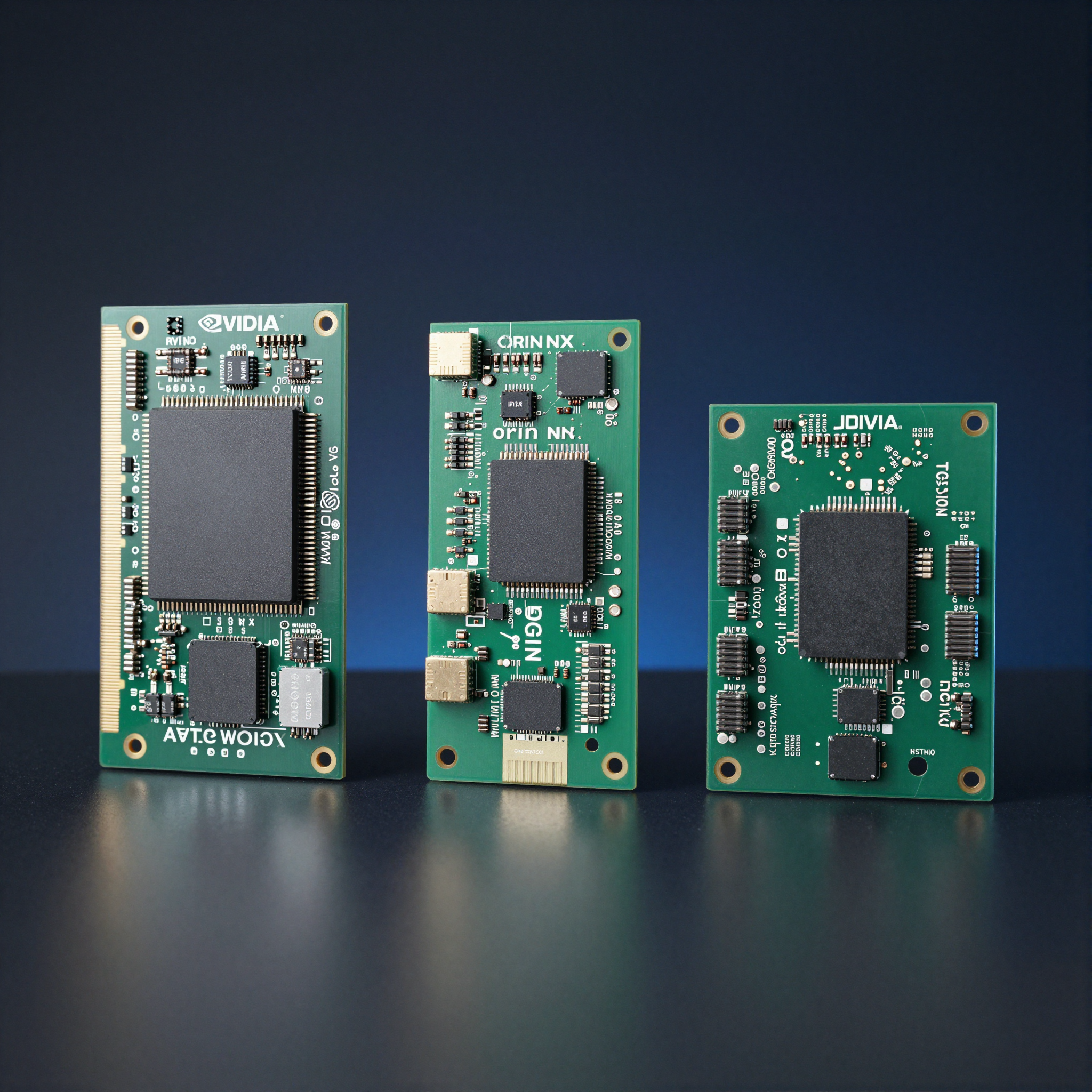
Jetson Orin AGX vs Orin NX vs Orin Nano: which to pick
Choosing between Jetson AGX Orin, Orin NX, and Orin Nano comes down to three things: how much inference throughput your application actually needs, how many I/O interfaces your hardware design requires, and what power budget you’re working within. The modules share the same Ampere GPU architecture and run the same JetPack 6 software stack — the differences are in how much of that hardware is exposed and at what power draw.
Key Insights
- All three run JetPack 6 and the same software stack — switching between them is a hardware and DTS change, not a software port
- Orin NX and Orin Nano are pin-compatible on the same carrier board; AGX Orin uses a different, larger form factor
- The DLA is present on AGX Orin and Orin NX but absent on Orin Nano — this is the most important functional difference for inference workloads
- Memory bandwidth drops from 204 GB/s (AGX) to 68 GB/s (Nano) — a bigger real-world bottleneck than TOPS
- PCIe lane count limits peripheral expansion: AGX Orin can drive NVMe + Ethernet + PCIe capture simultaneously; Orin NX and Nano cannot
Full specification comparison
| AGX Orin 64GB | AGX Orin 32GB | Orin NX 16GB | Orin NX 8GB | Orin Nano 8GB | Orin Nano 4GB | |
|---|---|---|---|---|---|---|
| CPU | 12-core A78AE | 12-core A78AE | 8-core A78AE | 6-core A78AE | 6-core A78AE | 4-core A78AE |
| GPU CUDA cores | 2048 | 2048 | 1024 | 1024 | 1024 | 512 |
| DLA cores | 2 | 2 | 2 | 2 | None | None |
| AI performance | 275 TOPS | 275 TOPS | 100 TOPS | 70 TOPS | 40 TOPS | 20 TOPS |
| Memory | 64GB LPDDR5 | 32GB LPDDR5 | 16GB LPDDR5 | 8GB LPDDR5 | 8GB LPDDR5 | 4GB LPDDR5 |
| Memory BW | 204.8 GB/s | 204.8 GB/s | 102.4 GB/s | 68.3 GB/s | 68.3 GB/s | 34.1 GB/s |
| Storage | 64GB eMMC | 64GB eMMC | 16GB eMMC | 16GB eMMC | 16GB eMMC | 16GB eMMC |
| PCIe | 4.0 ×16 | 4.0 ×16 | 4.0 ×4 | 4.0 ×4 | 3.0 ×4 | 3.0 ×4 |
| MIPI CSI cameras | Up to 16 | Up to 16 | Up to 4 | Up to 4 | Up to 4 | Up to 4 |
| USB 3.2 Gen 2 | 3× | 3× | 2× | 2× | 2× | 2× |
| GbE | 10GbE | 10GbE | 1GbE | 1GbE | 1GbE | 1GbE |
| CAN FD | 2× | 2× | 2× | 2× | 2× | 1× |
| Power (max TDP) | 60W | 60W | 25W | 25W | 15W | 15W |
| Module price (approx) | ~$899 | ~$499 | ~$299 | ~$199 | ~$149 | ~$99 |
| Form factor | AGX (87×100mm) | AGX (87×100mm) | Module (69.6×45mm) | Module (69.6×45mm) | Module (69.6×45mm) | Module (69.6×45mm) |
Prices are NVIDIA suggested retail for production quantities. Devkit pricing is higher.
The DLA is the most important functional difference
The Deep Learning Accelerator (DLA) is a fixed-function neural network accelerator separate from the GPU. It is present on AGX Orin and Orin NX, and absent on Orin Nano.
Why it matters: TensorRT can partition models to run layers on DLA and the rest on GPU, freeing the GPU for other tasks. In a camera pipeline running continuous inference, the DLA handles the inference engine while the GPU handles preprocessing, postprocessing, and other concurrent workloads. Without the DLA, all inference runs on the GPU — which works, but consumes more power and competes with other GPU work.
In practice: if you are running a YOLOv8 model on a camera stream alongside GStreamer decode and display, the DLA on Orin NX lets the inference run independently of the GPU, keeping the overall pipeline throughput higher. On Orin Nano, everything shares the GPU, and you will hit GPU utilization limits sooner.
For purely CPU-bound workloads (ROS2 processing, control loops, sensor fusion without neural networks), the DLA difference is irrelevant and Orin Nano is a perfectly capable platform.
Memory bandwidth is the real runtime bottleneck
TOPS figures are easy to compare but memory bandwidth is what you actually feel in production. The GPU and DLA share memory with the CPU on all Jetson modules. High-resolution video decode, GStreamer pipeline buffers, model activations, and postprocessing all compete for that bandwidth.
A concrete example: running two concurrent 1920×1080@30fps camera streams through a YOLOv8-M model:
- AGX Orin: saturates at about 20% of memory bandwidth — headroom for more workloads
- Orin NX 16GB: saturates at about 40% — workable for 2 cameras, tight for 4
- Orin Nano 8GB: saturates at about 65–70% — leaves little room for additional processing
If you are building a surround-view system with 4+ cameras doing concurrent inference, memory bandwidth on Orin Nano will bottleneck you before GPU compute does.
Camera I/O: how many MIPI CSI cameras fit
AGX Orin has substantially more MIPI CSI-2 lane capacity than the NX and Nano modules:
- AGX Orin: 8 MIPI CSI-2 ports, up to 16 cameras total with a deserializer
- Orin NX / Orin Nano: 4 MIPI CSI-2 ports, up to 4 cameras directly or up to 8 via GMSL2 with a quad-deserializer
For GMSL2 camera systems, the deserializer aggregates multiple cameras onto fewer MIPI lanes. A MAX96724 quad-deserializer routes 4 GMSL2 cameras over 2 MIPI ports, so Orin NX can support 4–8 GMSL2 cameras in practice. For 6+ camera surround-view or full surround-view AVM systems, AGX Orin is typically required.
For direct CSI cameras (no SerDes): Orin NX supports 4 simultaneous cameras. AGX Orin supports up to 16 with the right carrier board.
PCIe expansion: when AGX Orin is the only option
If your carrier board design requires multiple PCIe devices simultaneously — for example, an NVMe SSD plus a PCIe Ethernet controller plus a PCIe-connected FPGA or capture card — only AGX Orin has the lane budget.
Orin NX and Orin Nano expose ×4 PCIe lanes total. In practice this means one NVMe SSD OR one additional PCIe device, not both simultaneously. For designs that need full PCIe expansion, plan for AGX Orin from the start.
Which module to choose
Choose AGX Orin when:
- You need 6 or more MIPI CSI cameras
- You need multiple PCIe devices simultaneously (NVMe + Ethernet + other)
- Your inference workload requires more than 100 TOPS
- You need 10GbE on the module
- You are in a development phase and want maximum headroom
Choose Orin NX 16GB when:
- Your application needs 1–4 cameras
- You need DLA for sustained inference at low power
- Your PCIe requirements fit within ×4
- You’re building a product and 25W fits your thermal design
- You want Orin NX and Orin Nano to share the same carrier board for cost-tier SKUs
Choose Orin Nano when:
- Cost and power envelope are the primary constraints
- Your workload doesn’t require DLA (simple models, CPU-based processing, or occasional inference)
- You can accept PCIe Gen 3 ×4
- You are prototyping and will move to NX for production if performance headroom is needed
Carrier board compatibility
Orin NX and Orin Nano use the same 260-pin SO-DIMM style connector and are pin-compatible with each other and with Jetson Xavier NX. A carrier board designed for Xavier NX will generally work with Orin NX and Orin Nano — with a DTS and BSP update, not a hardware change.
AGX Orin uses a different 699-pin module connector and requires a carrier board designed specifically for the AGX form factor. NVIDIA’s AGX Orin Developer Kit carrier board is the reference design. Third-party carrier boards for AGX Orin are available from Auvidea, Leopard Imaging, Sievert Larsen, and others.
For GMSL2 camera bring-up on any of these modules, the process is the same — the module choice affects how many cameras you can connect and which NVCSI ports you route them to. See GMSL2 camera bring-up on Jetson Orin for the full setup sequence.
For help selecting the right module and carrier board for your application, the Jetson expert support service covers module selection, carrier board design review, and BSP bring-up.
NVIDIA’s official module comparison is on the Jetson modules page. The full hardware design guidelines for each module are in the Jetson Linux Developer Guide.
NVIDIA Jetson Expert Support
Stuck on a Jetson bring-up?
We've debugged this failure mode before. BSP, device tree, camera pipelines, OTA — most blockers clear in the first session. No long retainers. No guessing.
Frequently Asked Questions
What is the main difference between Jetson Orin NX and Orin Nano?
The Orin NX has 2 dedicated DLA (Deep Learning Accelerator) cores and a Gen 4 PCIe interface. The Orin Nano has no DLA and uses Gen 3 PCIe. This makes the NX significantly better for running TensorRT inference models that benefit from DLA offloading. The Nano is the right choice when power envelope and cost matter more than peak inference throughput.
Does Jetson Orin Nano support JetPack 6?
Yes. Jetson Orin Nano, Orin NX, and AGX Orin all run JetPack 6 (L4T R36). All three share the same Ampere GPU architecture and the same software stack. The main constraints on Orin Nano are hardware: lower memory bandwidth, no DLA, and slower PCIe — not software.
Can I run GMSL2 cameras on Jetson Orin NX or Orin Nano?
Yes, but with fewer MIPI CSI lanes than AGX Orin. Orin NX and Orin Nano support up to 4 MIPI CSI-2 cameras. AGX Orin supports up to 16 cameras. For a 2–4 camera GMSL2 system with a MAX9296A or MAX96724 deserializer, Orin NX is the minimum capable module. For 6+ camera surround-view systems, AGX Orin is required.
What TOPS rating does each Jetson Orin module have?
AGX Orin 64GB: 275 TOPS. AGX Orin 32GB: 275 TOPS. Orin NX 16GB: 100 TOPS. Orin NX 8GB: 70 TOPS. Orin Nano 8GB: 40 TOPS. Orin Nano 4GB: 20 TOPS. These figures include GPU, DLA, and CPU combined. DLA-only TOPS are significantly higher — the DLA contributes most of the TOPS figure on AGX Orin and Orin NX.
Which Jetson Orin module should I use for robotics?
For most ROS2 robotics applications: Orin NX 16GB. It handles real-time sensor fusion, perception, and motion planning without the cost and power draw of AGX Orin. Use AGX Orin for robots that need high-resolution multi-camera arrays (6+ cameras), multiple PCIe devices, or heavy concurrent inference workloads. Use Orin Nano only for cost-constrained designs with simple single-camera or lidar-only perception.
Is the Jetson Orin NX pin-compatible with Jetson AGX Orin?
No. Orin NX uses the Jetson module form factor (69.6mm × 45mm), which is the same as the older Jetson Xavier NX. Jetson AGX Orin uses the larger Jetson AGX module form factor (87mm × 100mm). They require different carrier boards. If you need to design a carrier board that supports both NX and Nano, use the Jetson module (SODIMM-style) form factor.
What PCIe configuration does each Orin module support?
AGX Orin: PCIe 4.0 x16 (exposed as 1× x8 + 1× x4 + 1× x4 or x16 single) plus additional PCIe 4.0 x1 lanes. Orin NX: PCIe 4.0 x4 total. Orin Nano: PCIe 3.0 x4 total. If your design requires PCIe NVMe storage plus a PCIe Ethernet controller plus a PCIe capture card, only AGX Orin has enough lanes.
What is the memory bandwidth difference between Orin modules and why does it matter?
AGX Orin 64GB: 204.8 GB/s. Orin NX 16GB: 102.4 GB/s. Orin Nano 8GB: 68.3 GB/s. Memory bandwidth is the primary bottleneck for continuous inference on large models and for high-resolution video processing. A model that runs at 30fps on AGX Orin may only do 15fps on Orin NX due to memory bandwidth, even if the GPU compute is technically sufficient.
Can I use the same carrier board for Orin NX and Orin Nano?
Yes. Orin NX and Orin Nano use identical module pinouts (the Jetson module form factor). Any carrier board designed for Orin NX is also compatible with Orin Nano. This makes the NX/Nano pair the right choice for products that need a cost-optimized SKU (Nano) and a performance SKU (NX) on the same hardware.
Which Jetson Orin module is best for industrial edge AI cameras?
For a 1–2 camera industrial edge AI camera (inspection, quality control, defect detection): Orin NX 16GB. It has enough MIPI CSI lanes for 2–4 cameras, 100 TOPS for concurrent inference, 2 DLA cores for running quantized models, and a 25W power envelope that works with passive cooling. AGX Orin is overkill for single-camera applications and runs hotter. Orin Nano is too constrained if you need DLA or future model headroom.

Written by
Andrés CamposCo-Founder & CTO · ProventusNova
8 years deep in embedded systems — from underwater ROVs to edge AI. Andrés leads every technical delivery personally.
Connect on LinkedIn